
Product · Module
Digital twin
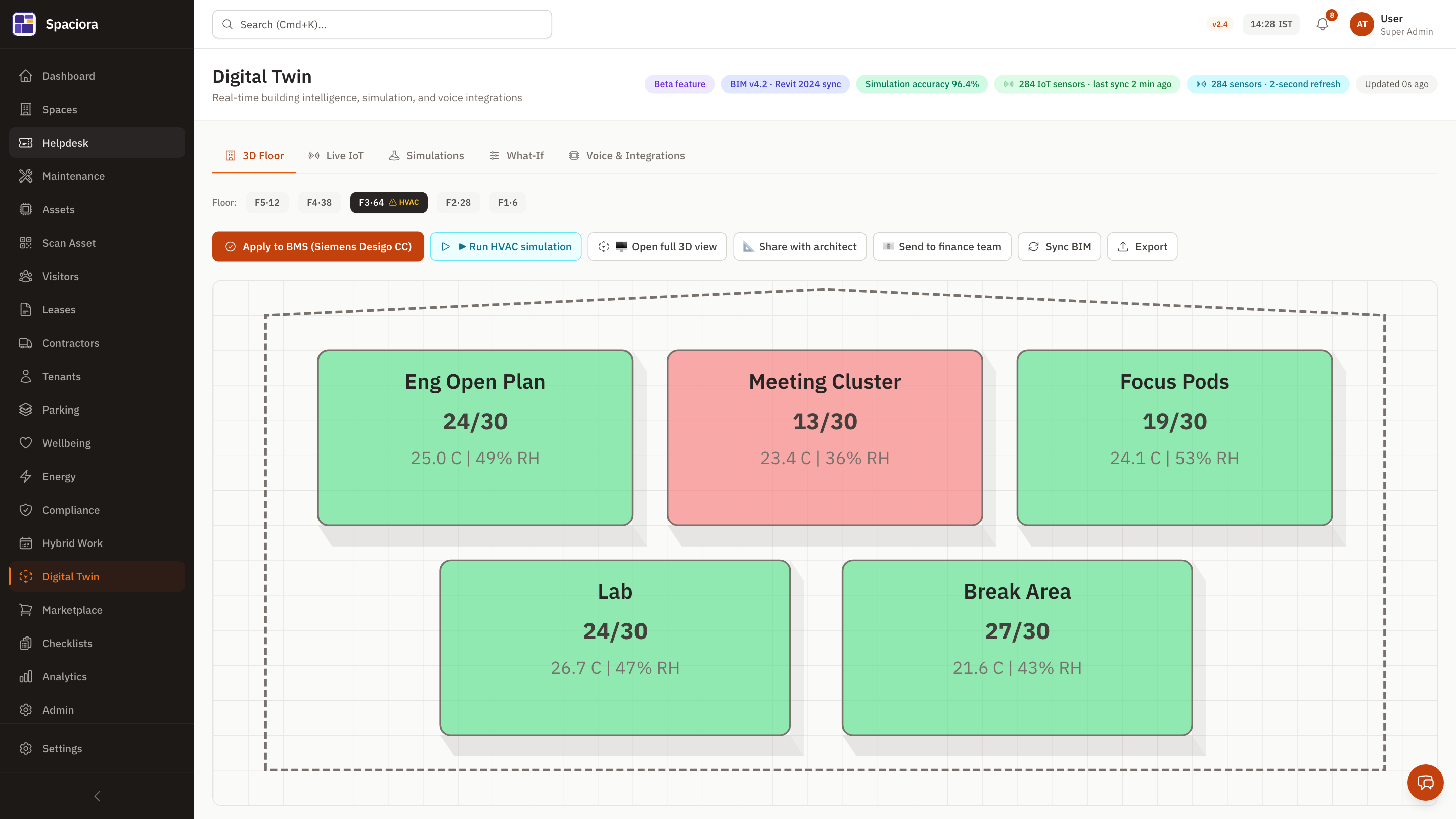
A live spatial view of your portfolio with version-diffed floor plans, rollback, and click-through to operational data per zone, asset, and ticket.
Capabilities
What digital twin ships with
Building tree + floor view
Drill from portfolio down to floor; click any zone to see assets, occupancy, and tickets.
Floor-plan versioning + diff
Every floor-plan upload versioned; visual diff between revisions; one-click rollback to a known-good version.
Asset hot-spots
Click an asset to see its history, current state, open tickets, and depreciation status.
Mobile inspection mode
Walk the floor with the technician app; tap-and-photo to log observations.
Heatmap layers
Toggle layers — occupancy, temperature, ticket density, energy intensity — sourced from the same operational ledger.
Zone wellness overlay
Real-time zone readings (noise, light, CO₂, air quality) overlaid on the floor plan.
How it works
Implementation in days, not months
- 1
Upload your floor plans
PDF or CAD; Spaciora auto-detects rooms and zones.
- 2
Connect your data
BMS adapter, IoT platforms, or manual readings; layers populate.
- 3
Use it for ops reviews
One screen to investigate any incident, anywhere in your portfolio.
- 4
Plan reductions
Heatmaps surface hot zones for HVAC, lighting, and density actions.
An honest note on intelligence
Live BMS / IoT command execution is on the v1.1 roadmap. The current build wraps the integration interface (configuration, intent logging, mock command IDs). We do not claim live BMS execution today. We also do not claim real BIM-file parsing — floor plans are PDF/CAD images, not parsed BIM models.
Ship digital twin in your portfolio.
Talk to our team. We'll show Spaciora running on your real data within an hour.
14-day free trial · No credit card · Multi-region residency